Trefn / Packs
Trefn packsReady-made, in your own Microsoft 365.
Pick the packs your teams need. They share one Home, one list of what is yours to do, and the same customers, suppliers and products - so nothing gets typed twice.
- Runs in your Microsoft 365People sign in with the work account they already have. Nothing to install.
- Your records stay in your SharePointTrefn's servers never receive them. Export everything whenever you like.
- Priced per companyEveryone in your organisation can use it - no per-seat surprises.
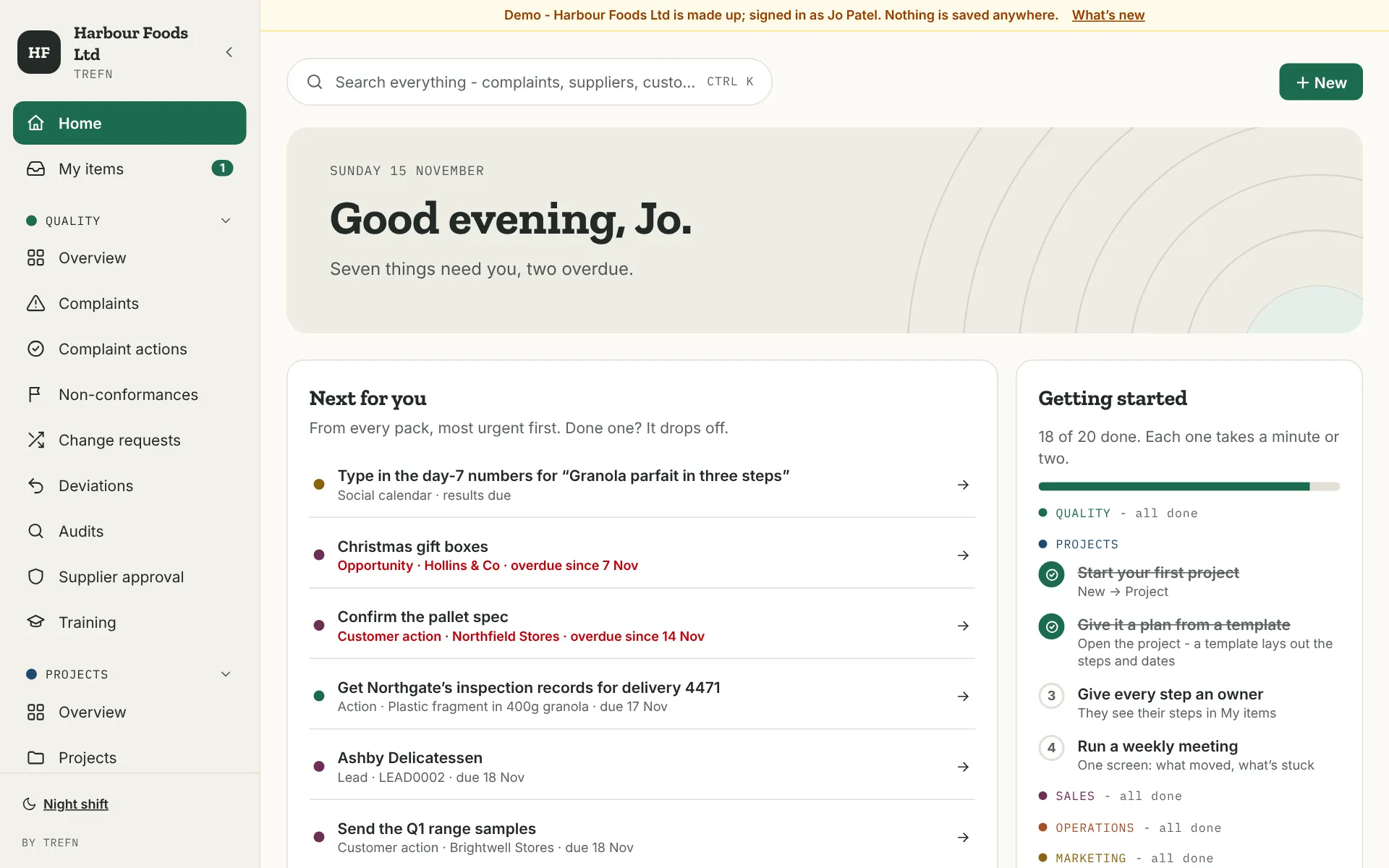
For quality and technical teams.
- Complaints and their actions, signed off in order by the right people
- Non-conformances, change requests and deviations
- Audits with a checklist - a finding becomes a non-conformance in one click
- Supplier approval, and a training matrix that shows what is running out
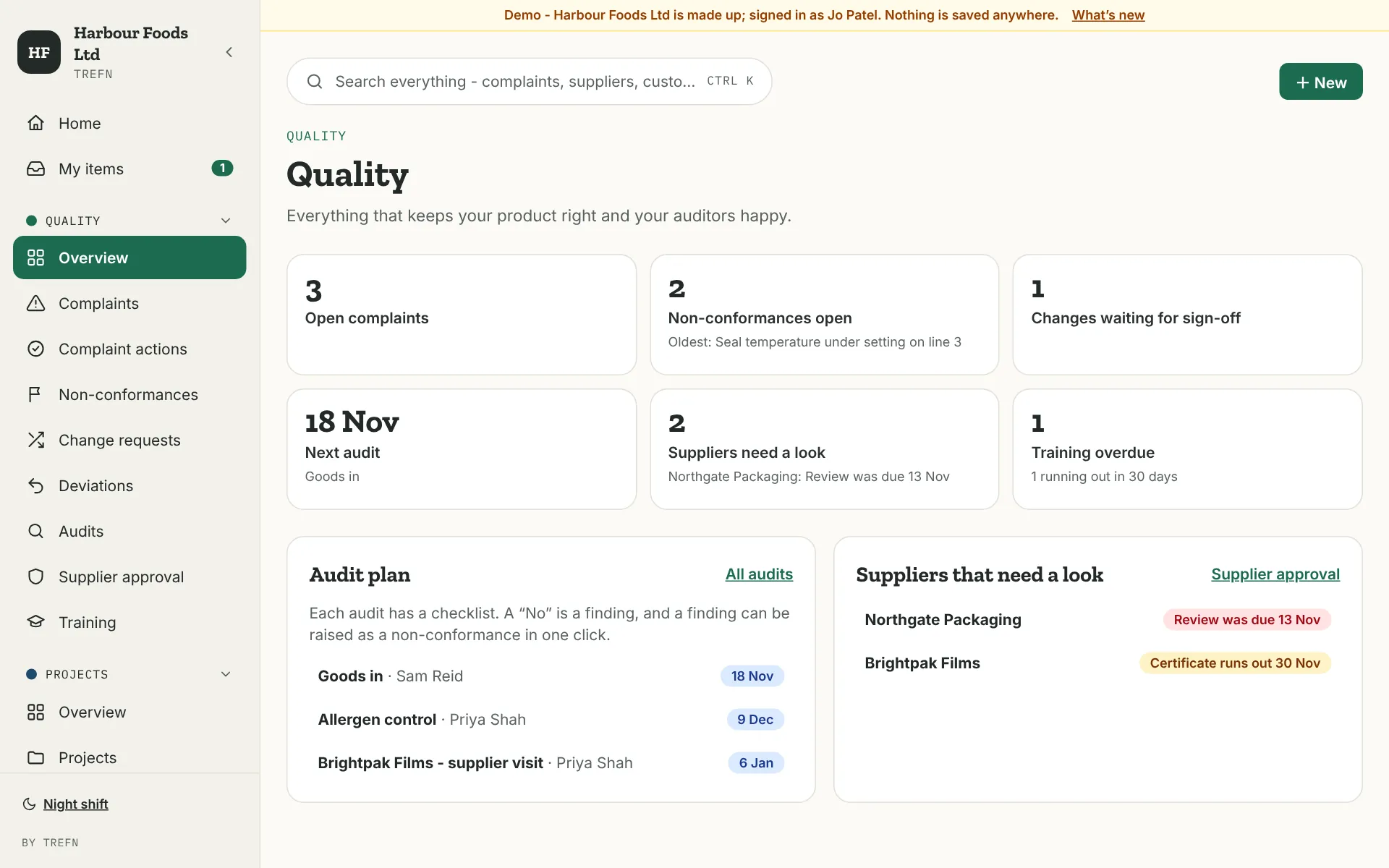
For anyone running jobs with steps and dates.
- Plans from templates, counted in working days
- Move a step and see which later steps move with it - before you save
- Put a project on hold, then move the plan by the days it was held
- Team capacity, programmes, a weekly meeting screen and lessons learned
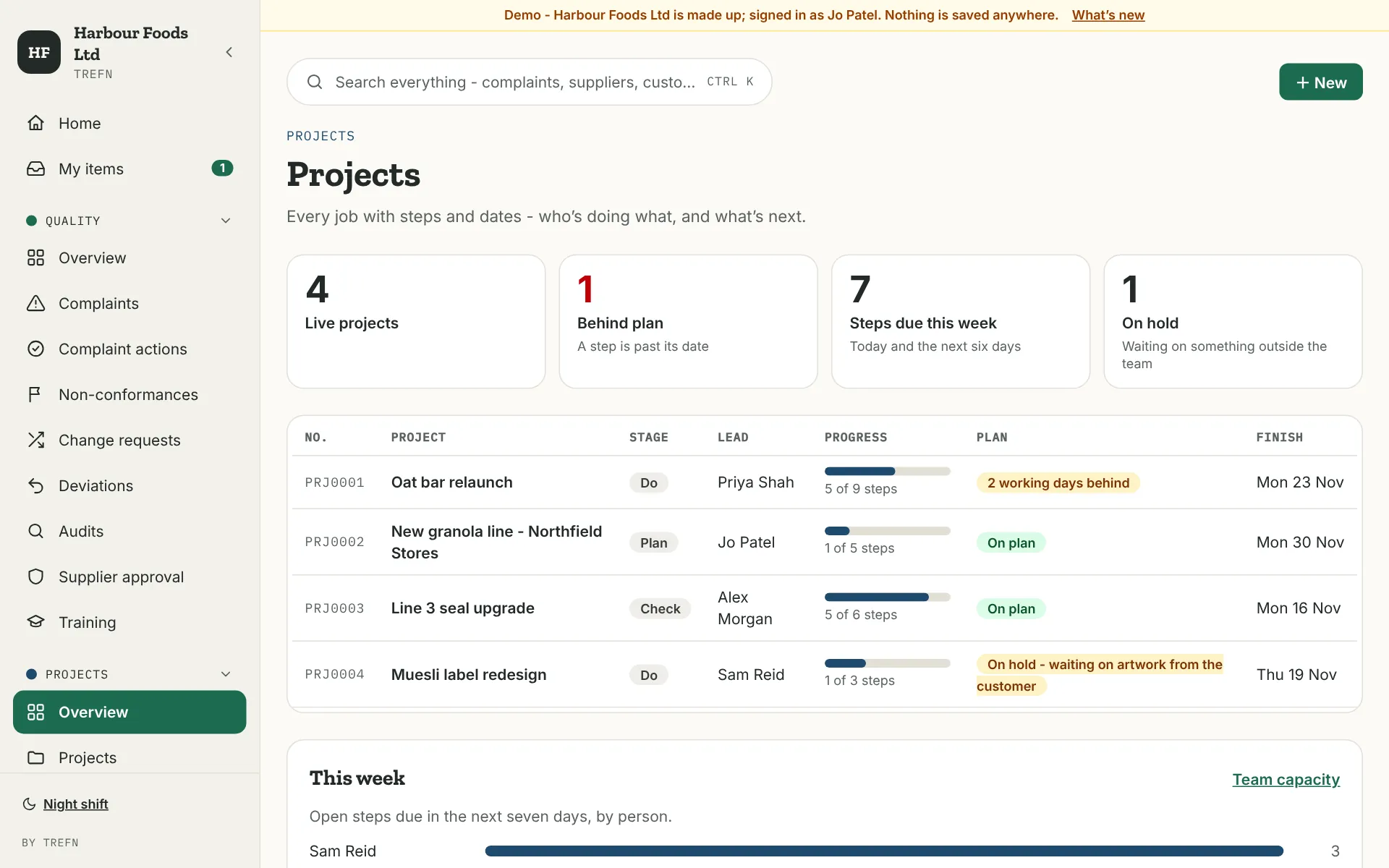
For anyone winning and looking after customers.
- Leads you qualify, turn into deals - or mark not for us, with why
- A pipeline board, and a live forecast against your monthly target
- Quotes, contacts, and the actions you owe each customer
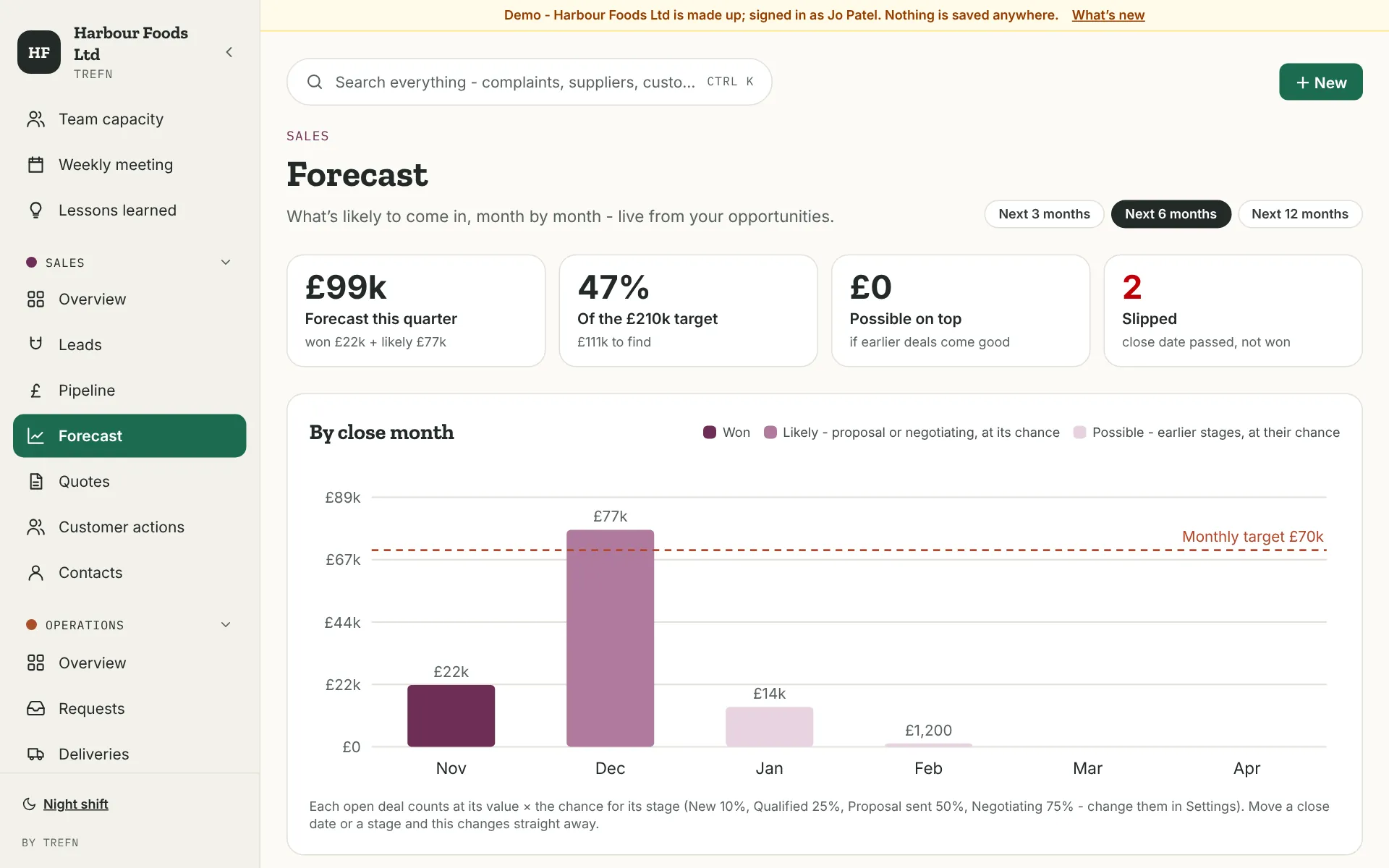
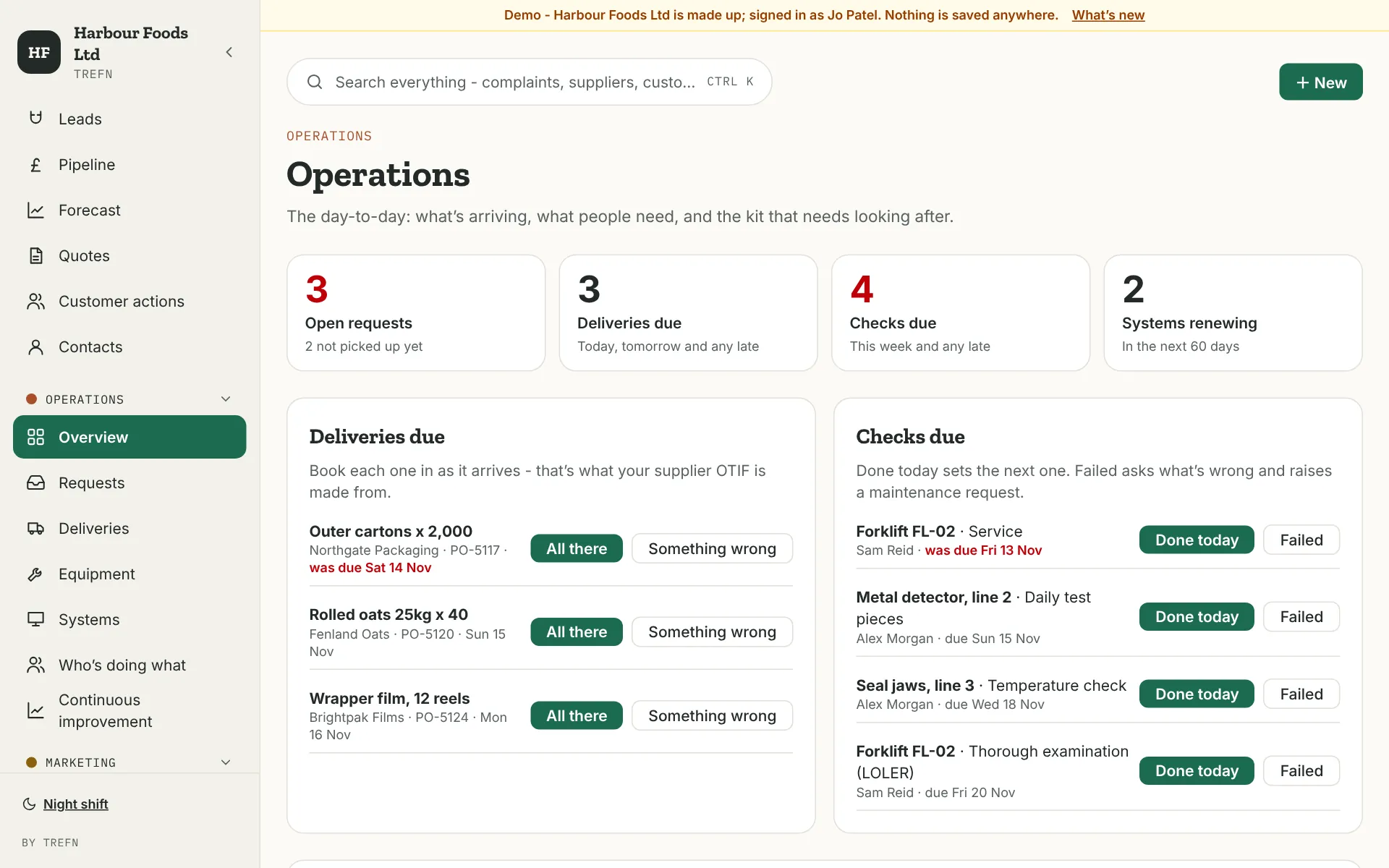
For the people who keep things running.
- One list for every request, with how long each has waited
- Deliveries booked in as they arrive - your supplier OTIF works itself out
- Equipment checks: Done today sets the next one, Failed raises a maintenance request
- Systems and renewals, who is doing what, and continuous improvement
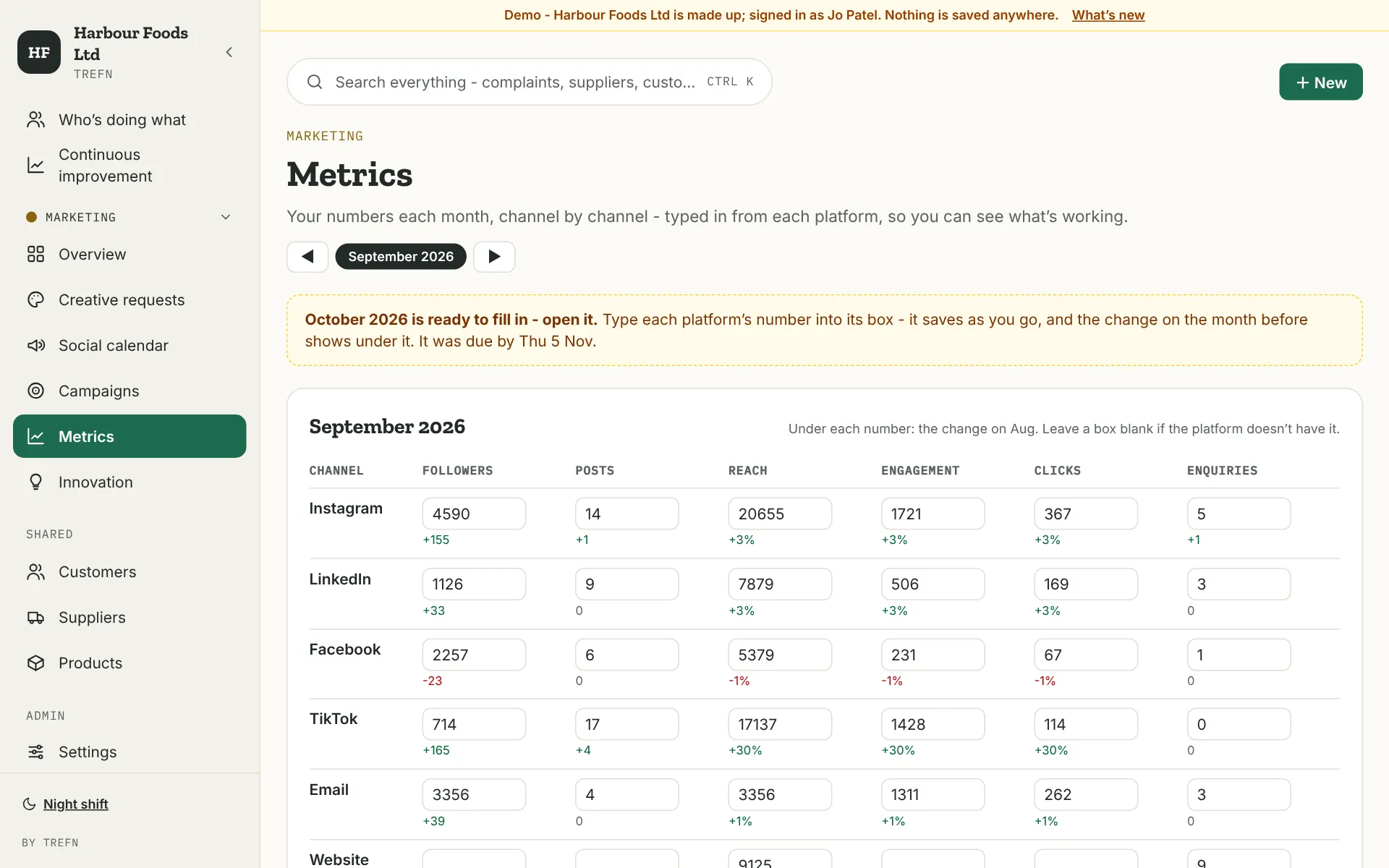
For marketing and creative teams.
- Creative requests on a week board
- A social calendar that asks for each post's numbers a week later
- Monthly metrics, channel by channel, with the change on the month before
- Campaigns, and new product concepts - one click makes a concept a project
Each pack knows about the others.
They are one app, not five. A record in one pack can start the next step in another, without anyone typing it again.
- A delivery arrives wrongBook it in as "Something wrong" in Operations, and with Quality you can raise a non-conformance there and then.
- A lead turns into a dealOne click in Sales makes the opportunity - and adds the customer and contact if they are new.
- A concept gets the go-aheadMake it a project from Marketing with one click, then give it a plan from a template in Projects.
- Everything that is yours, in one placeHome and My items gather what each person owes, from every pack, most urgent first.
Take the packs you use.
Try as many as you like, free for 60 days, and keep only the ones you use. You can add a pack at any time.
| First pack | £149 a month |
| Each extra pack | + £99 a month |
| All five | £399 a month |
Per company - everyone in your organisation can use it. Packs are for organisations of up to 249 people; bigger than that, let's talk.
Sixty days, on your own work.
- 01You askTick the packs on the trial form. We reply within two working days.
- 02Your admin sets it upAbout 10 minutes with the setup guide. Trefn makes its lists in a SharePoint site you choose.
- 03Your teams use itFor real, for 60 days. Add a pack whenever you like.
- 04You decideKeep the packs you use. If you don't, it turns read only - nothing is deleted.
Questions about the packs.
What do we need?
A Microsoft 365 business plan that includes SharePoint - most do, from Business Basic up. Someone who can approve apps for your organisation, often your IT provider, approves Trefn once. Everyone else signs in with the work account they already have.
Where are our records kept?
In lists on a SharePoint site you choose, in your own Microsoft 365. Trefn's servers never receive them. Trefn can only do what each signed-in person can already do in SharePoint, and only people who can open the site can see the records. More for your IT team: For IT and security.
Is it safe to approve?
Trefn Ltd is a Microsoft verified publisher, so Microsoft shows your admin who made the app and exactly what it asks for before they approve it. They can remove it at any time from the Microsoft Entra admin centre.
What happens when the trial ends?
If you don't keep it, Trefn turns read only. Everyone can still open, search and export everything, and nothing is deleted - the lists are in your SharePoint.
Can we change how it works?
Some things you change yourself in Settings - who signs off, who approves, your targets, your channels and the stages a record goes through. For anything more, we can change it for you, or build a system around how you work.
Can we add a pack later?
Yes. Ask from the Licence page in Trefn, we send a new key, and Set up adds that pack's lists to the same site. Nothing you already have changes.
Need something the packs don't do?
Have it built around you.
The packs cover the work most businesses share. When yours works differently, Ross builds the system around how it really works - like he did for Pelham. The first conversation is free.
Or start today: try the packs free for 60 days.